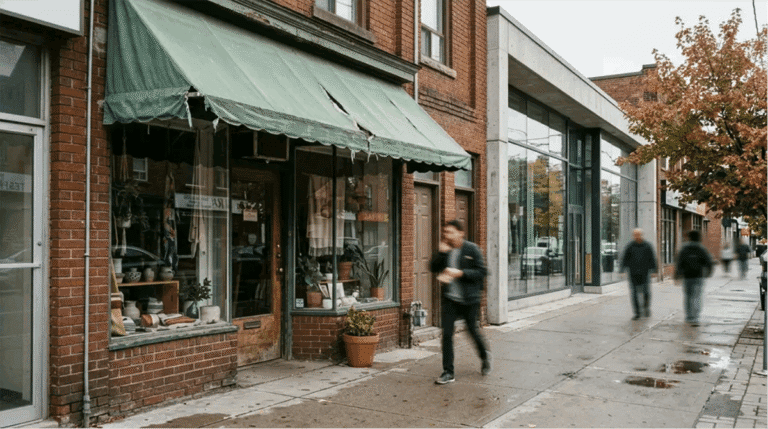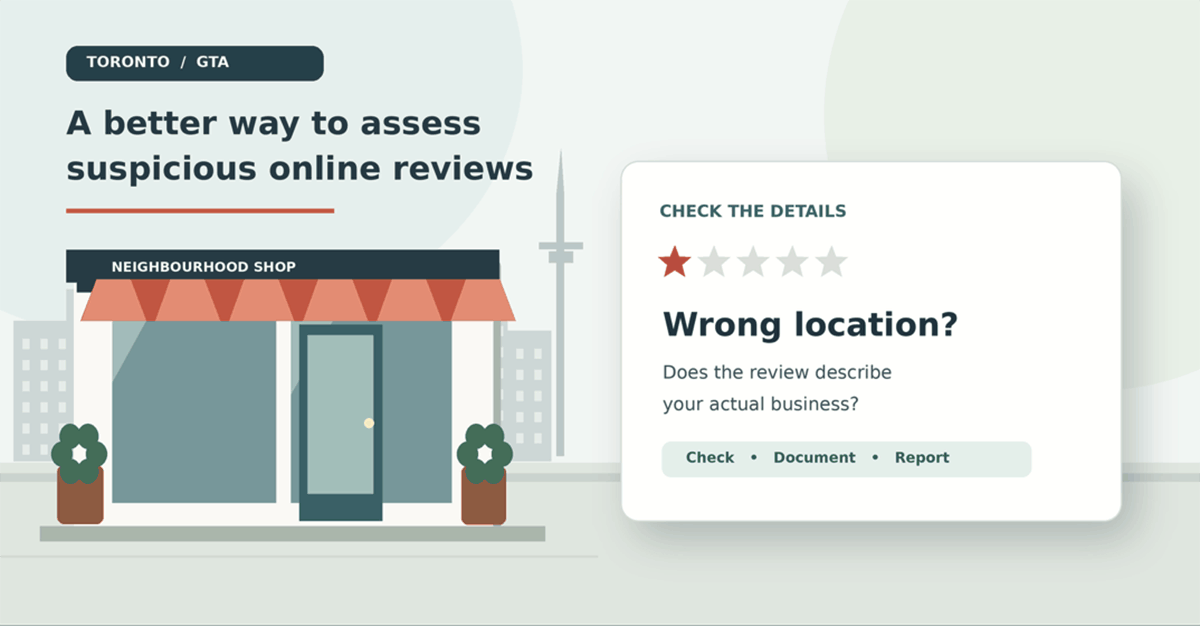
Let’s say you have a small café in Leslieville. You log onto your Google Business Profile and see a 1-star review mentioning your late-night drive-thru. But wait! Your café doesn’t have a drive-thru and closes at 5 p.m.!
You may instantly notice that this review doesn’t match what your business provides, but that’s okay. This is a good place to start. A quick way to determine whether this is a fake review is to check if it could be a genuine mistake. Maybe someone picked the wrong store, confused two locations, or hasn’t visited your store at all. Because you rely on local customers, a review that doesn’t match your business can affect how people view it.
There are plenty of similar store names in Toronto. With busy streets and companies operating multiple locations throughout the GTA, it could definitely be a genuine mistake. However, the review may also violate Google’s guidelines. The first thing to do here is to find out the truth.
Pay Attention to the Small Details
If you instantly spot that the reviewer mentions products you don’t provide, staff members who don’t exist, or a store that doesn’t match your address, look into it. The star rating alone won’t tell you much.
If you have a salon in Toronto and the customer has mentioned a Vaughan location, but you have never had a salon there before, this is definitely worth noting. However, if you have recently moved or there is another salon with the same name, they may have picked the wrong listing.
The actual wording will make a big difference. If they mention that the service was terrible, this really won’t help you verify much. If they mention that the drive-thru on Queen Street made them wait until after midnight, the business now has several things to check.
Find Out the Truth
Check the Facts
Read through the review carefully and make a note of any facts mentioned. Is there any mention of the service, location, time, opening hours or transaction? Check these against what your business can verify.
Create a list like this:
- Is it the correct store? Check the branch, area or shop mentioned.
- Is it the correct product or service? Does your business actually provide it?
- Are the times correct? Do they match your opening hours?
- Are multiple new reviews mentioning specific details? Look for any unusual patterns.
If you can see patterns, this is worth looking into further. However, this does not mean it is a targeted attack. Customers can make the same comment independently, especially if there has been a lot of discussion around an incident.
Review Your Records
Depending on the type of business you have, you may be able to check appointment books, service tickets, messages or sales records. Just make sure you are only trying to find out the facts, and never include any personal details about the customer in your response to the review.
The Customer May Not Be Listed
Customers may have paid cash at a restaurant, or they may have booked a contractor using their partner’s name. They may also have written the review after a phone call without making a purchase. Just because the reviewer isn’t listed in your database, this doesn’t prove they have written a fake review.
Know What Policy Applies
Google has a Maps Content Policy in place to address fake reviews. The policy states that reviews should reflect genuine experiences and prohibits fake engagement, certain misleading content and reviews involving conflicts of interest. This means you can report a review if you have a genuine concern about a policy violation. However, you can’t have negative comments removed simply because they feel unfair.
If the review mentions a completely different location, this could raise questions about its accuracy and whether the person has reviewed the correct store. If there are multiple reviews that can be proven to come from a competitor with a conflict of interest, this could also be a policy violation. However, if someone has written a harsh but accurate review because they were disappointed, this may be allowed.
For more information on the different policies and what evidence you can provide, the following guide explains the process clearly: How to Remove a Fake Google Review in Canada – ReviewsBoost. By understanding which policies apply first, you can avoid reporting reviews based on suspicion alone.
Report the Concern
You can report a review directly from your Google Business Profile. Google has provided simple instructions on how to report a review. This includes selecting the review, choosing why you are reporting it and viewing the results in the Reviews Management Tool. However, if the review doesn’t break any policies, it won’t be eligible for removal.
If you are reporting due to an incorrect location, just explain this. If you are reporting due to a conflict of interest that you can prove, then mention why and what evidence supports it. Keep it factual and don’t add any conclusions that you can’t support.
According to Google, it usually takes a few days to evaluate reported reviews. If your report is rejected, you may be able to submit a one-time appeal for an eligible review. However, the final decision to remove the review will always be up to Google.
Respond Publicly
Whilst the review is being looked into, others will still be able to see it. A short and calm response will show that you are taking the concern seriously and allow any genuine customers to clarify what happened.
If the review seems to be about the wrong store, you may want to respond with:
“We’re having trouble matching the details in this review to our location. If you visited us, please contact our team so we can look into it.”
This is enough. Don’t accuse the reviewer of lying, mention any suspected competitors or reveal any personal booking details. This is a public response, and future customers will see how you have handled the situation.
Give Your Google Listing a Quick Check
If your listing is out of date, this can cause confusion. If your store has moved, changed its opening hours or updated its products and services, make sure this information is clear. This is especially important if an old branch is still visible online. If you have a business in the GTA with locations in Toronto, Mississauga, Brampton and Vaughan, it’s important to help customers identify which location they are reviewing.
Toronto Times has also covered the challenges facing local businesses in its article, Why Toronto’s Small Shops Keep Losing to Chains. Accurate opening hours, business categories and shop images can help customers identify the correct business and avoid confusion.
Take a few minutes each week to check new reviews. Keep it simple and make a note of any concerns. Include the review link, date, specific comment, any evidence and the outcome of reporting it. This will be much more useful than just checking your star rating.
Get a Second Opinion
Some people will be happy to deal with the whole process themselves. However, others may want to get assistance, especially if there are multiple reviews or multiple locations involved. A service like ReviewRemoval.ca can help Canadian businesses determine which Google policy may apply to a review and assist with preparing reports for potential violations.
Before paying anyone, ask what policy could apply, what evidence they will need and what they will do if the report isn’t approved. Be cautious if they claim they can remove all negative reviews. Genuine criticism is part of running a business, and ultimately, it is up to Google to decide which reviews can be removed.
Don’t Lose Sight of the Truth
When you run a small business in Toronto, a negative review can feel personal, especially if you know your regular customers by name. However, the best thing to do is ask yourself: What can we actually verify?
Sometimes this will show that someone has made a mistake with the location. Sometimes it will show that there may be a policy violation. And sometimes it will show that the customer is simply unhappy with the service and their review deserves a genuine response. Knowing the difference will help maintain your credibility and ensure reviews remain useful for everyone.
contributed post