
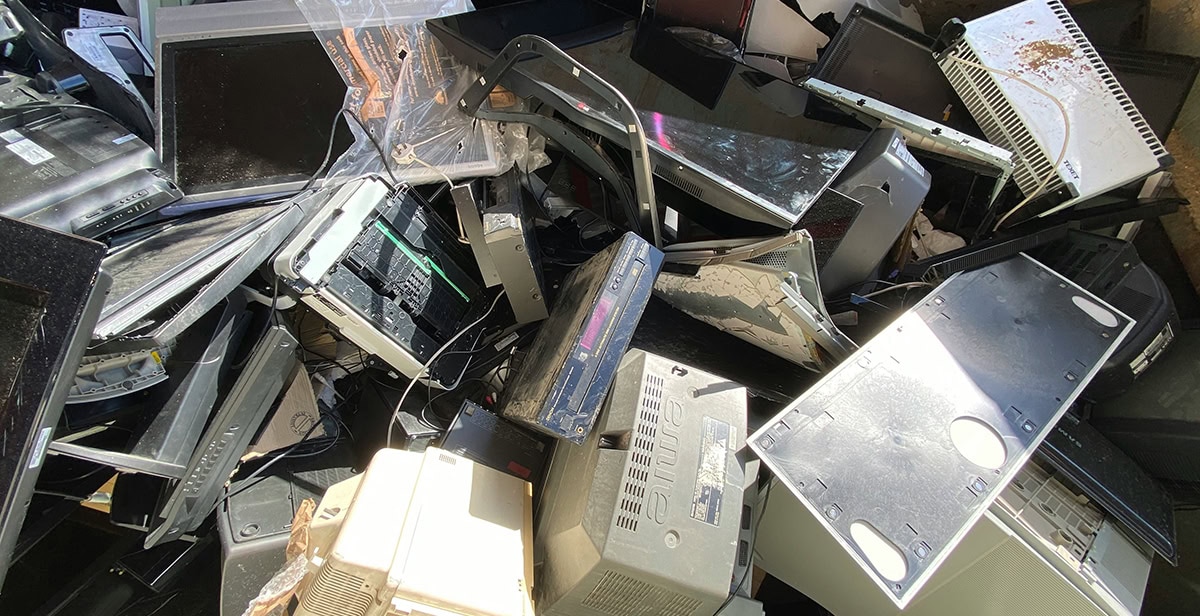
For many small and mid-sized businesses, retired technology tends to end up in the same handful of places—a storage closet, a basement, a warehouse shelf, or some forgotten corner of the IT department. Old laptops pile up next to outdated monitors, while servers and hard drives just sit there waiting for someone to finally decide what to do with them. Eventually, someone hands off a device, donates it, sells it, or tosses it into a general recycling pickup.
On the surface, this looks like a pretty ordinary housekeeping problem. In reality, it’s often a real information-security and compliance issue hiding in plain sight. A device doesn’t stop holding sensitive information just because nobody’s using it anymore.
Old Equipment Usually Holds More Than People Realise
Business computers and storage devices often hold far more information than most employees realize. A retired laptop might still have customer records, employee data, financial documents, old email archives, saved passwords, business plans, or files someone saved locally years ago and forgot about entirely. Servers and hard drives can be even worse — databases, backups, system data, and records that have quietly accumulated over years of use.
Deleting a file isn’t the same thing as actually destroying the data behind it. A factory reset isn’t always enough either — it doesn’t necessarily mean someone who knows what they’re doing can’t recover the information. What counts as “secure enough” depends on the device type, the information’s sensitivity, and the organization’s security and compliance requirements.
This matters a lot more once equipment leaves a company’s direct control. If a business can’t say for certain what happened to a device after it was retired, that’s genuinely hard to explain when someone asks whether sensitive information was handled properly.
The Storage Closet Problem Is More Common Than It Looks
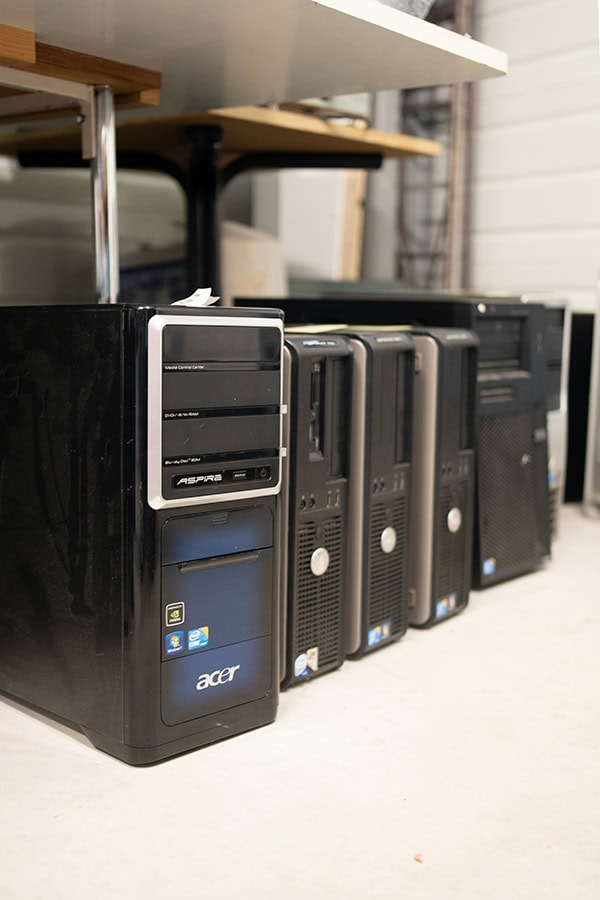
Picture a growing company swapping out laptops for several employees after a tech refresh. The old machines get stuck in a locked room because nobody has time to deal with them right away. A few months pass, and more devices join the pile.
Eventually, someone suggests donating or recycling the whole lot. A few laptops go to a third party; others get dropped off at an electronics recycling site. The company knows the equipment isn’t being used anymore, but it might not have a clear record of which devices were retired, whether their storage was securely wiped, or where each piece ultimately ended up.
That gap in the paper trail is exactly where unnecessary risk creeps in.
The real problem isn’t that old equipment is taking up space. It’s that the organization has lost track of the information on that equipment, with no reliable way to prove it was removed securely.
Why Data Destruction Needs an Actual Process, Not a Best Guess
A responsible retirement process starts well before a device physically leaves the building. Businesses can identify what’s being retired, determine what information it holds, and establish a clear plan to handle that information properly.
Depending on the situation, secure data destruction might mean certified data wiping, degaussing, or physically destroying the storage media itself. Which method makes sense depends on the device and the organization’s security standards.
Consistency matters a lot here. Being careful with one laptop while completely overlooking an old server or a forgotten external hard drive is exactly how a security gap opens up without anyone noticing. Keeping an inventory of retired assets helps organizations actually track a device from the moment it’s retired through to wherever it finally ends up.
Documentation Matters Just as Much as the Physical Work
Handling retired technology securely isn’t only about what physically happens to the equipment. Businesses also need to be able to prove the process actually happened.
Good documentation covers things like asset identification, exactly what was done to the storage media, when it was processed, and where the equipment ultimately went. Depending on the provider and what’s actually required, businesses might receive certificates or formal records confirming specific assets were processed correctly.
These records are genuinely valuable when a business reviews its internal controls, answers a customer question, prepares for an audit, or needs to show that established security procedures were followed —not just assumed.
Without any documentation, a business is left relying on vague assumptions — “the computer got recycled,” “the hard drive was probably wiped.” Those statements offer a lot less assurance than an actual documented chain of custody and a verified data-destruction process behind it.
IT Asset Disposition Ties Security to Responsible Recycling
IT asset disposition, usually shortened to ITAD, gives businesses a structured way to handle technology that’s reached the end of its working life. Done properly, it covers data security, asset tracking, reuse, recycling, and final disposal all at once — not just one piece of the puzzle.
For companies operating in Canada, IT asset disposition in Canada offers a framework for managing retired technology while factoring in the privacy, environmental, and organizational requirements that actually apply there.
This process also helps businesses distinguish between equipment that can genuinely be reused and equipment that should be recycled or properly processed. That keeps every retired device from automatically becoming waste, while still keeping security front and center in the decision.
Choosing a Responsible Way to Handle Retired Technology
Businesses don’t need to wait until the storage room is bursting at the seams before putting an asset-disposition process in place. Even a basic policy can spell out who’s actually responsible for retiring equipment, how devices get recorded, how data gets removed, and what documentation needs to stick around afterward.
Working with a specialized provider can help here too — one that actually understands secure electronics processing and compliance requirements inside and out. eCycle Solutions is one example of a resource businesses can turn to for the secure handling and disposition of retired electronic equipment.
The thing worth keeping in mind is that a good process has to cover both sides of this problem at once: protecting the information, and handling the physical assets responsibly.
Turning a Pile of Old Electronics Into an Actual Managed Process
Retired laptops, servers, and hard drives look pretty harmless once they’re unplugged and shoved into storage. But that physical inactivity doesn’t make the information-security risk go away on its own.
A defined IT asset disposition process gives businesses real control over equipment even after it’s out of active use. Combine solid asset tracking, proper data destruction, real documentation, and responsible recycling or reuse, and a lot of the uncertainty around retired technology just disappears.
What starts as a pile of forgotten electronics can become something much more manageable — a real business process that protects sensitive information while giving the organization an actual, verifiable record of what happened to its technology once its working life is over.
contributed post











You must be logged in to post a comment.